Free tool
vCard QR code generator
Enter your contact details and instantly get a QR code that adds them to any address book as a vCard. Free, no sign-up – your data never leaves your browser.
Live preview
Show vCard text
What is a vCard?
A vCard is a standard file format for contact details (file extension .vcf). Smartphones, Outlook, Apple Contacts and Google Contacts all understand it. Put a vCard into a QR code and a single camera scan is enough: the phone shows the contact and saves it with one tap – no retyping, no typos.
This generator creates a vCard version 3.0, which iPhone and Android read reliably. Special characters such as commas or semicolons are escaped correctly, and accented characters are encoded as UTF-8. Here's what the result looks like:
BEGIN:VCARD
VERSION:3.0
N;CHARSET=UTF-8:Zöllner;Davis;;;
FN;CHARSET=UTF-8:Davis Zöllner
ORG:TAAGSOLUTIONS GmbH
TITLE:Co-Founder
TEL;TYPE=WORK:+49 40 59363940
EMAIL;TYPE=INTERNET:hello@mytaag.com
END:VCARD
Static or dynamic QR code?
The QR code from this generator is static: the contact details are stored in the code itself. That's simple and works offline. But if a phone number changes, you have to create and print a new code. A dynamic QR code, on the other hand, only contains a link to an online profile that you can change at any time.
| Static vCard QR code | Dynamic QR code (e.g. MyTaag) | |
|---|---|---|
| Content | Contact details inside the code | Link to a digital profile |
| Changing details | New code, new print | Any time, the code stays the same |
| Code size | Grows with every detail | Stays small and easy to scan |
| Analytics | None | Views, link clicks, saved contacts |
| More than contact details | No | Links, social media, files, lead form |
| For teams | Every code separately | Managed centrally, consistent design |
| Internet required | No | Yes, to open the profile |
Size and placement
For your QR code to scan reliably, size, contrast and the quiet zone matter:
- Minimum size: On a business card, the code should be at least about 2 × 2 cm (0.8 × 0.8 in). The more data it holds, the finer the dots – so print it a little larger.
- Scanning distance: As a rule of thumb, the edge length should be about a tenth of the scanning distance. For a poster scanned from two meters, that's around 20 cm.
- Quiet zone: Leave a white margin around the code. The generator adds it automatically – don't crop it off.
- Contrast: Dark dots on a light background. Some cameras struggle with inverted or low-contrast codes.
- Placement: The back of your business card, a trade show wall, a name badge, the last slide of a presentation or your email signature.
SVG is best for print because it scales without losing quality. PNG is handy for presentations, websites and office documents.
Tips for a good vCard QR code
- Less is more: Include only the details people really need. Every extra entry makes the code denser.
- International phone numbers: Use the country code, e.g.
+49 40 …, so the number works abroad too. - Test before printing: Scan the code with an iPhone and an Android phone and check that every field comes through correctly.
- Add a hint: A short line such as “Scan to save my contact” shows what the code does.
- Go dynamic if things change often: If numbers or job titles change frequently, a dynamic code saves reprints.
For companies
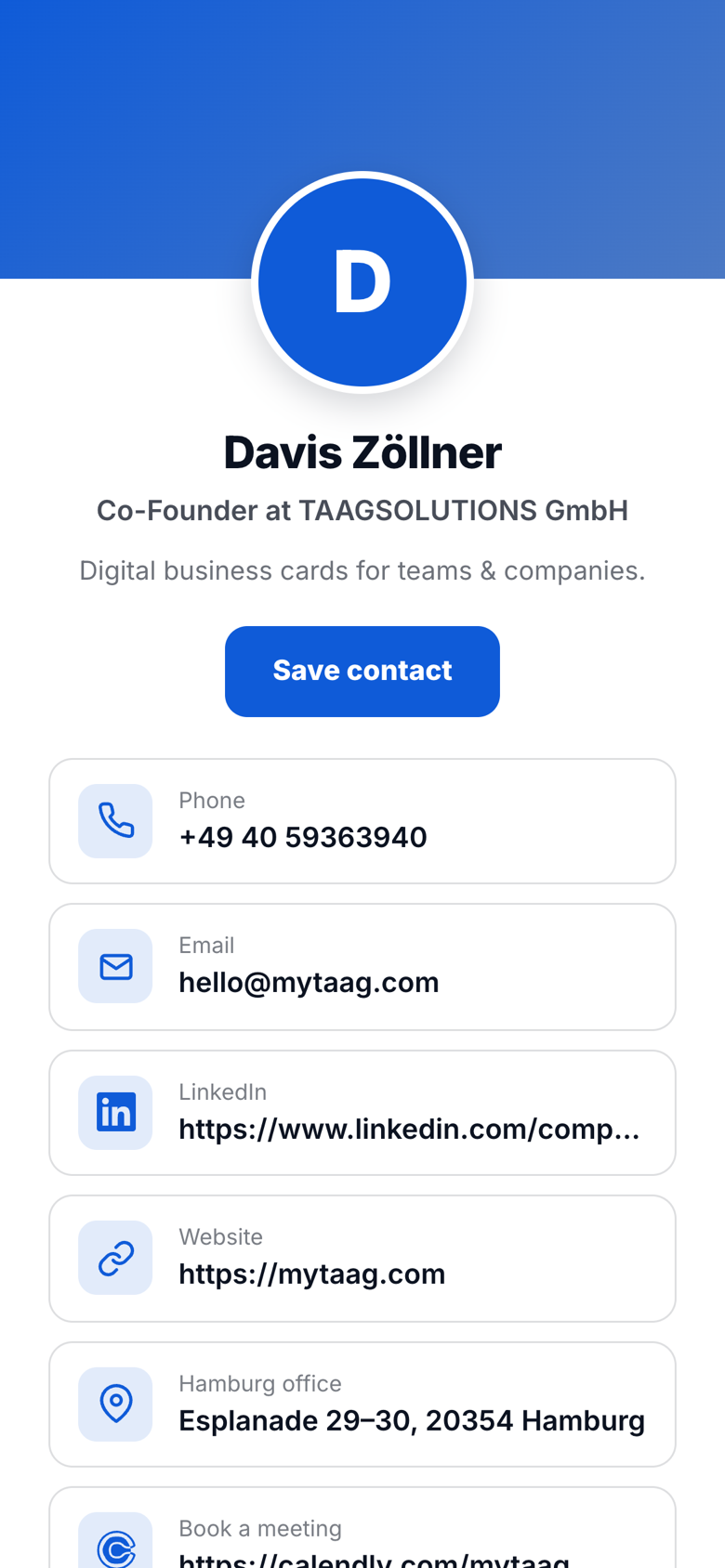
Dynamic and for the whole team: MyTaag
A static QR code is enough for one person with fixed details. As soon as a team, a consistent design or changes come into play, a dynamic code is the better choice. With MyTaag, every QR code leads to a digital business card that you manage centrally.
- Change without reprintingNew number or job title? You update the profile, the QR code stays the same.
- MeasurableViews, link clicks and saved contacts per business card – and campaigns, for example for a trade show.
- In Wallet and via NFC, tooThe QR code can live in Apple and Google Wallet, plus there's the NFC card to tap.
- Get contacts backWith the lead form, the other person leaves their details right on your business card.
FAQ about vCard QR codes
Is the vCard QR code generator really free?
Yes. You don't need to sign up or create an account. You may use the QR codes you create freely, including for print.
Is my data stored?
No. The QR code is generated entirely in your browser. The details you enter are not sent to MyTaag or any other server.
Does the QR code work with iPhone and Android?
Yes. The camera apps on iPhone and Android recognize vCard QR codes and offer to save the contact. Accented characters are encoded as UTF-8 and display correctly.
Does the QR code expire?
No. A static QR code contains the data itself and works without an expiry date – as long as the details are correct.
Can I change the details later?
Not with a static code: you create a new one. If you want to change your details without reprinting, use a dynamic QR code such as the MyTaag QR code business card.
PNG or SVG – which format do I need?
SVG for print, because it scales without losing quality. PNG for presentations, websites and office documents.
Why is my QR code so dense?
Every detail makes the vCard longer, so the code needs more dots. Leave out less important fields or print the code larger.