QR code business card – dynamic and trackable
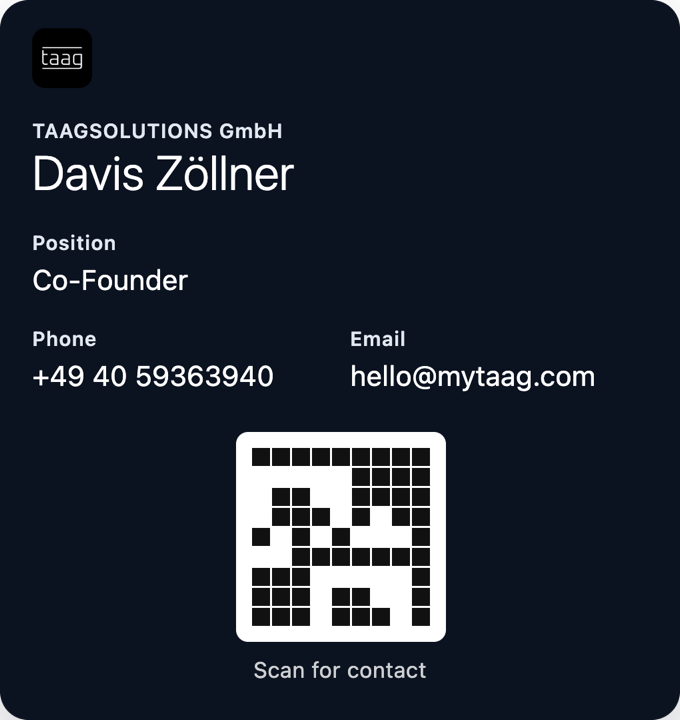
A MyTaag QR code business card doesn't point to frozen contact data – it opens your digital business card. You can change the content at any time while the code stays the same, and analytics show how often it was scanned and your contact was saved.
- Made in Germany
- Servers in Germany
- Compliant with EU regulations
- As seen on the German version of Shark Tank
Why a simple vCard QR code isn't enough for a company
Putting a QR code on a business card takes seconds. Most generators write your contact details straight into the code – as a so-called vCard. That works, but there's a catch: the data is baked into the code. When your phone number, job title or address changes, the code is out of date. For paper cards, roll-up banners and slide decks, that means generating it again, printing it again and throwing the old ones away.
On top of that, a static code can't tell you whether anyone ever scanned it. And it only leads to an address book entry, not to your profile with links, meeting booking or a lead form.
MyTaag takes the other route. The QR code contains a link to your digital business card. What sits behind it is managed centrally – and for the whole team, in your brand design.
Static or dynamic QR code?
Both have their place. For companies, almost everything speaks for the dynamic code.
| Static vCard QR code | Dynamic QR code with MyTaag | |
|---|---|---|
| What the code contains | Your contact details themselves | A link to your digital business card |
| Changing details | New code required | Anytime, the code stays the same |
| What the other person sees | An address book entry | Your profile with links, files and "Save contact" |
| Getting their details back | Not possible | Lead form with consent |
| Analytics | None | Views, visitors, link clicks, saved contacts |
| Design across the team | Set up person by person | Central brand rules |
| Internet needed when scanning | No | Yes |
Just need a quick code for yourself? Use our free vCard QR code generator – no sign-up required. For a team whose details change, the dynamic code is the better choice. If you also want contactless sharing, see our NFC business cards.
How your team gets dynamic QR codes
Create the cards
Via email invitation or CSV and Excel import, everyone gets a digital business card in your brand design.
Use the code
Every business card has its own link and QR code – for Wallet, NFC card, print, slides or email signature.
Update and measure
You manage content centrally while the codes stay the same. Analytics and campaigns show what they deliver.
QR codes on print, at trade shows, in signatures and presentations
Wherever you can't connect face to face, the QR code is the fastest way to your business card.
On print
On a classic paper card, a flyer or a quote. Because the code is dynamic, what you printed stays valid even when your details change.
At trade shows
On the roll-up banner, counter or screen at your booth. Visitors scan and leave their details in the lead form. More on trade show lead capture.
In your email signature
Next to your link in the signature: anyone reading your email on a computer scans the code with their phone and has your contact right there.
In presentations
On the last slide of your talk or webinar. Your audience saves your contact while you are still speaking.
In the Wallet
On your card in Apple Wallet and Google Wallet – with automatic updates.
Learn more – In the WalletOn the NFC card
As a second route next to tapping, in case a phone has NFC switched off.
Learn more – On the NFC card
Analytics and campaigns
A QR code you can measure – per business card, time period and campaign.
Analytics
See what happens after the scan
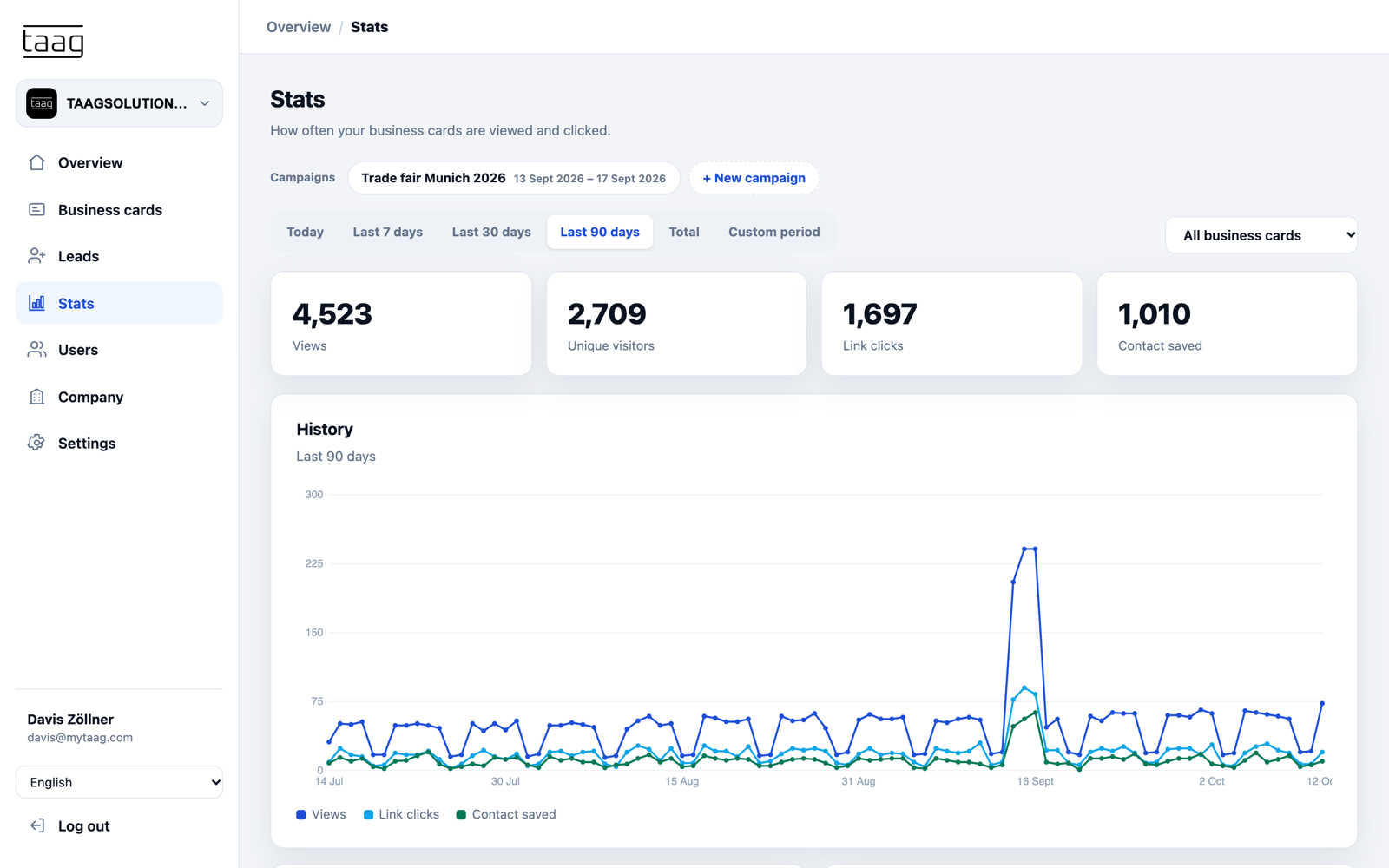
For every business card, MyTaag shows how often it was viewed, how many unique visitors there were, which links were clicked and how often the contact was saved. You choose the time period and see which links are most popular – from the phone link to the booking button.
- Per business cardCompare employees, teams and locations.
- Most popular linksFind out which content people are really interested in.
Campaigns
Campaigns for trade shows, events and promotions
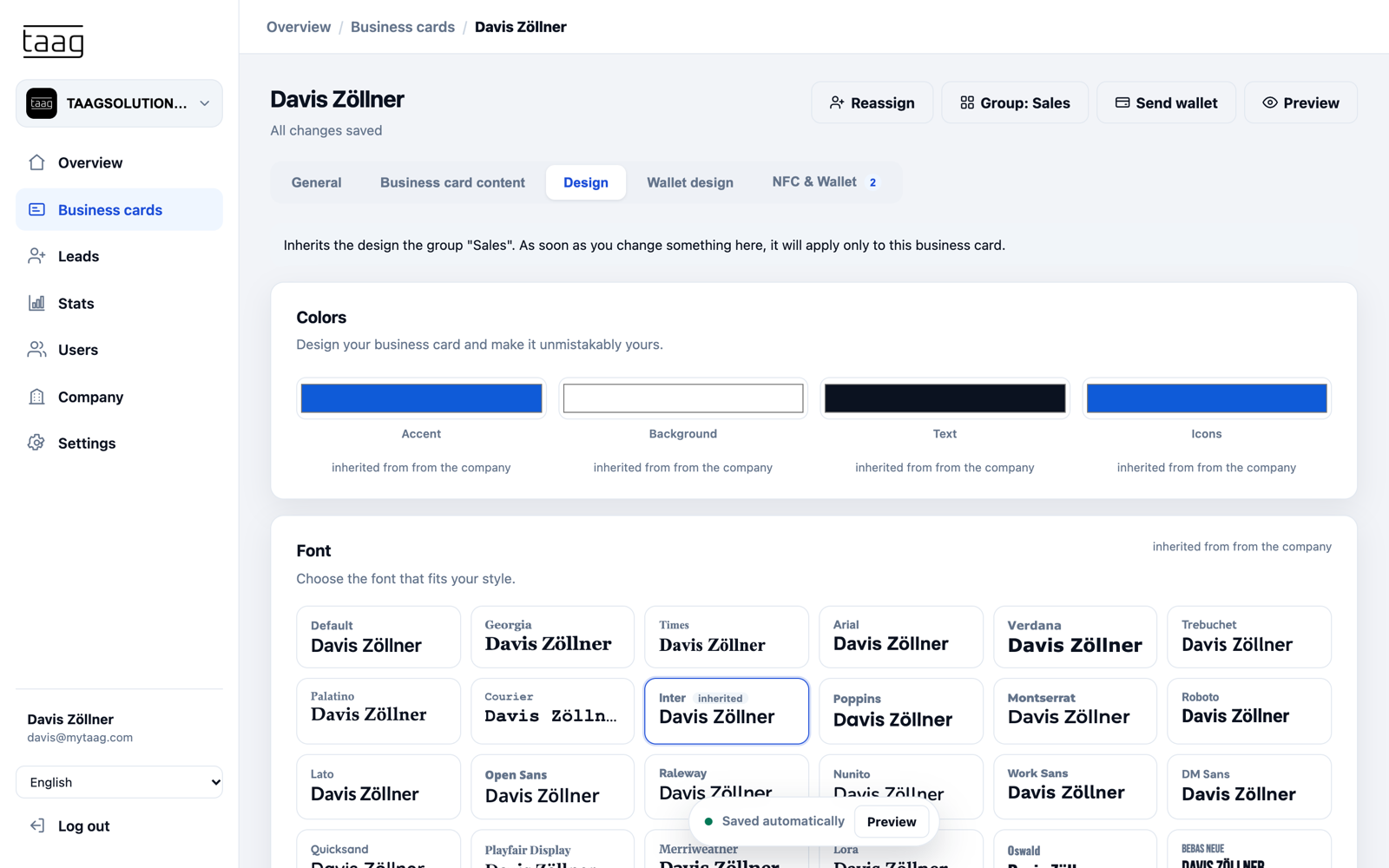
A campaign saves a time period and the business cards that were in use – for example "Trade fair Munich 2026" from September 13 to 17 with the booth team. One click shows you what the QR codes and cards delivered during that time, and you can compare events with each other.
With scheduled content, you show matching fields only from a certain date, such as a link to your trade show offer from the first day of the show. The QR code on the roll-up banner stays the same.
Design
In your company's brand design
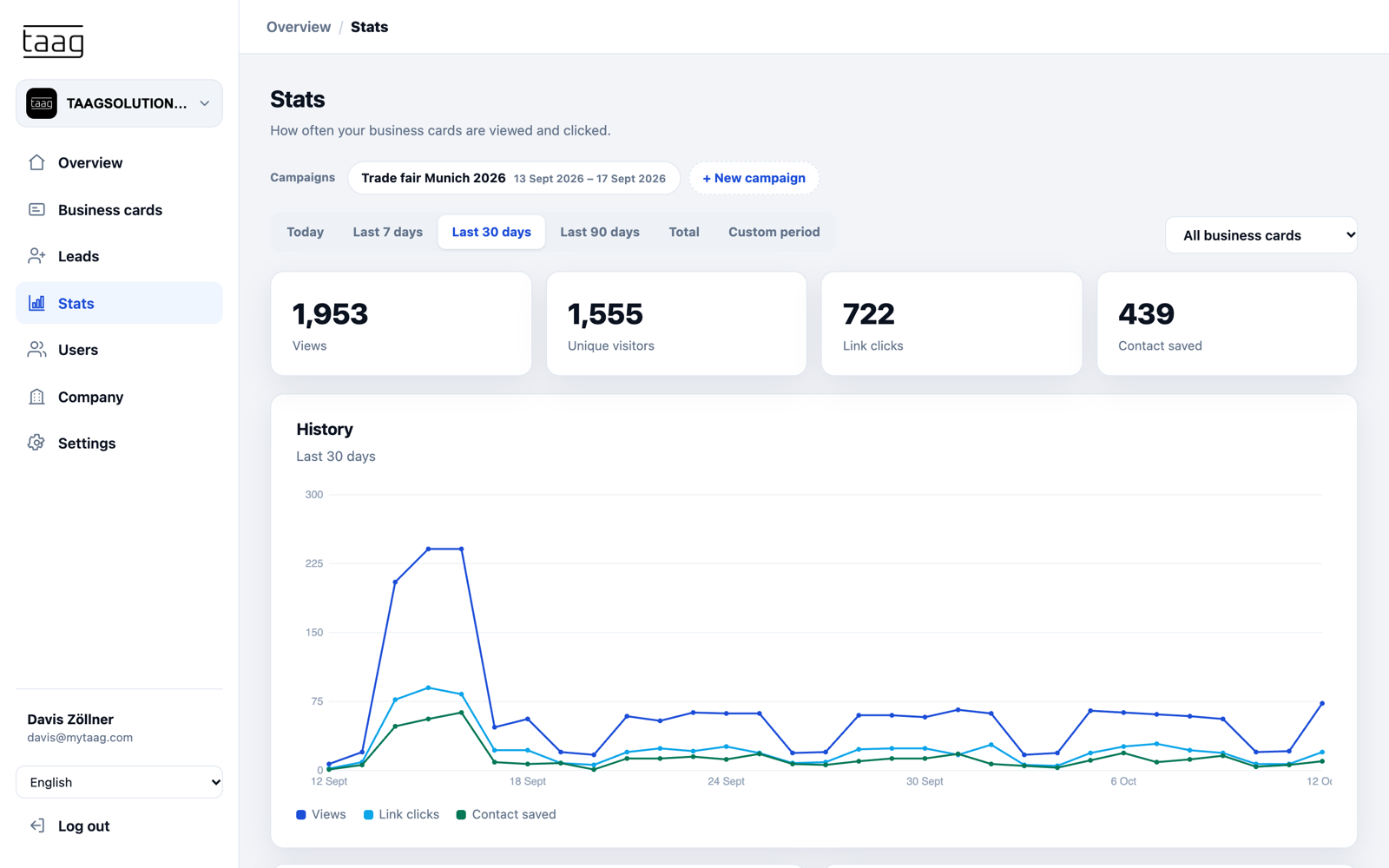
The QR code opens a business card that looks like your company: you set the logo, banner, colors and one of more than 30 fonts once. Groups and individual cards inherit these settings or deliberately differ – only what differs is stored.
For teams, that means every code leads to a consistent profile, even when it's shared by a hundred different people. Learn more about central management on digital business cards for teams.
What else is behind the QR code
In the trades, the QR code goes on vans and quotes; at agencies, it closes out the pitch deck.
Lead form
Anyone who scans can leave their own contact details right away – with consent and optional double opt-in.
Learn more – Lead formBuilt-in CRM
Turn the lead into a deal: pipeline, tasks and history in MyTaag.
Learn more – Built-in CRM31 languages
The business card automatically appears in the device language of the person scanning.
QR code business card FAQ
Static, dynamic, trackable – quick answers.
What is a QR code business card?
A business card with a QR code that the other person scans with their phone camera. With MyTaag, the code opens your digital business card in the browser, where they save your contact with one tap – no app needed.
What is the difference between a static and a dynamic QR code?
A static code contains the contact details themselves and has to be regenerated whenever something changes. A dynamic code contains a link. You can change the content behind it at any time; the code stays the same and can be tracked.
Can I change my details without reprinting the QR code?
Yes. With MyTaag, the QR code leads to your digital business card. When you change something there, everyone who scans the code sees the latest version.
Can I create a vCard QR code for free?
Yes, with our vCard QR code generator – free and without sign-up. It creates a static code. For teams, analytics and changes without reprinting, the dynamic code from MyTaag is the better fit.
Can I see how often my QR code was scanned?
For every business card you see views, unique visitors, link clicks and saved contacts – for any time period or as a campaign, for example for a trade show.
What should I watch out for when printing the QR code?
Print the code large enough for the distance it will be scanned from, with good contrast and some white space around it. Test it with several phones before printing. Because the MyTaag code only contains a short link, it stays simple and easy to read.
Where do I find my QR code?
On your card in Apple Wallet and Google Wallet, and in MyTaag. You can use the code on print, roll-up banners, slides or in your email signature.
QR codes that grow with your team
In the demo, we show you dynamic QR codes, analytics and campaigns using an example from your day-to-day work.