Your digital business card as an app for iPhone and Android
With the MyTaag app, your digital business card is always in your pocket: share it by QR code, NFC and Wallet, scan paper cards and follow up every contact right in the CRM. The person you meet doesn’t need an app – just their camera.
- 4.9
- Made in Germany
- Servers in Germany
- Compliant with EU regulations
- Verified Microsoft Partner
- As seen on the German version of Shark Tank
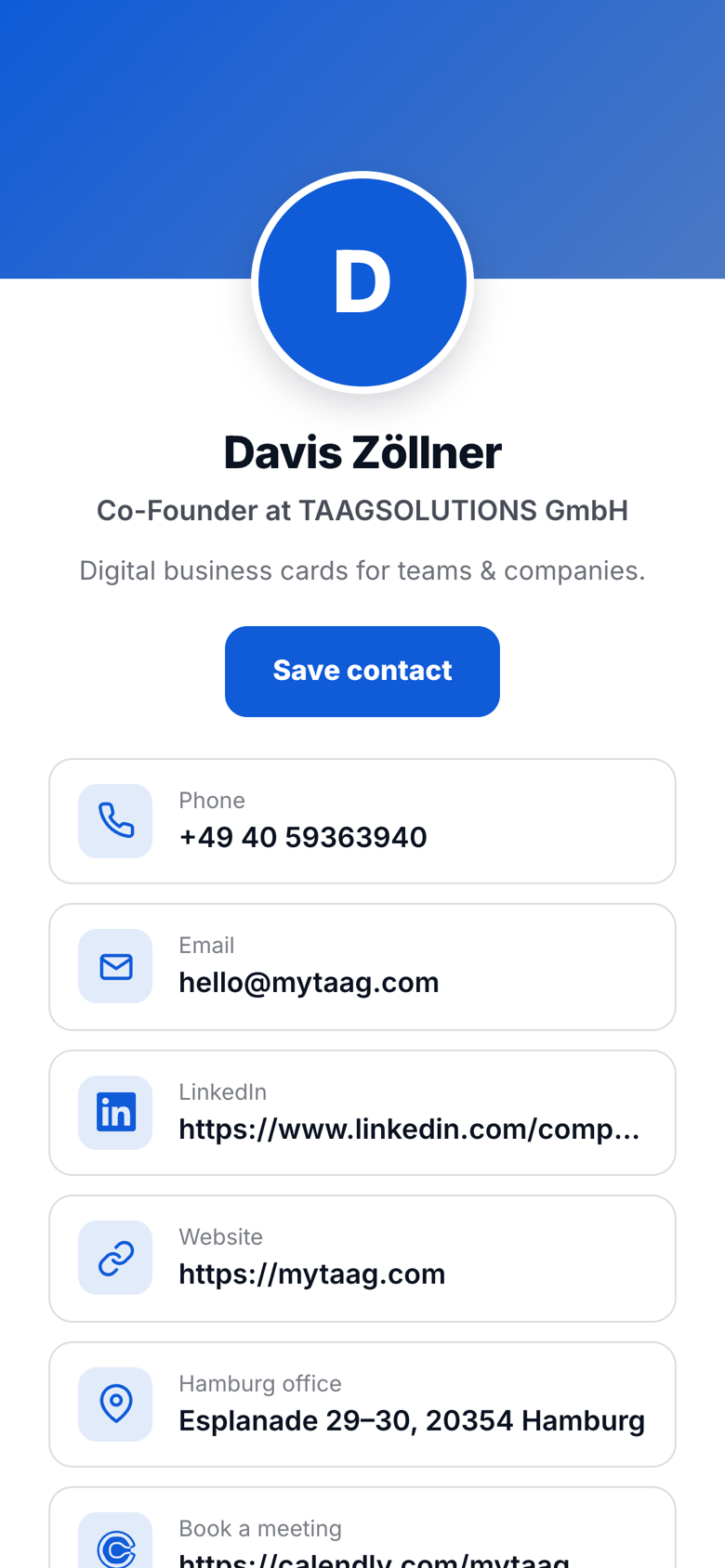
One app for you – no app for them
Many business card apps share a catch: exchanging details only works if both people have the same app. MyTaag works the other way round. Your business card is a profile in the browser – anyone who scans your QR code or taps your NFC card sees it straight away and saves you with “Save contact”. On iPhone and Android, with no download and no account.
The app is your tool: share your card in seconds, capture the contacts you receive and keep track of who got in touch. Everything you do in the app is instantly available in the web app at app.mytaag.com – and vice versa.
What the MyTaag app does
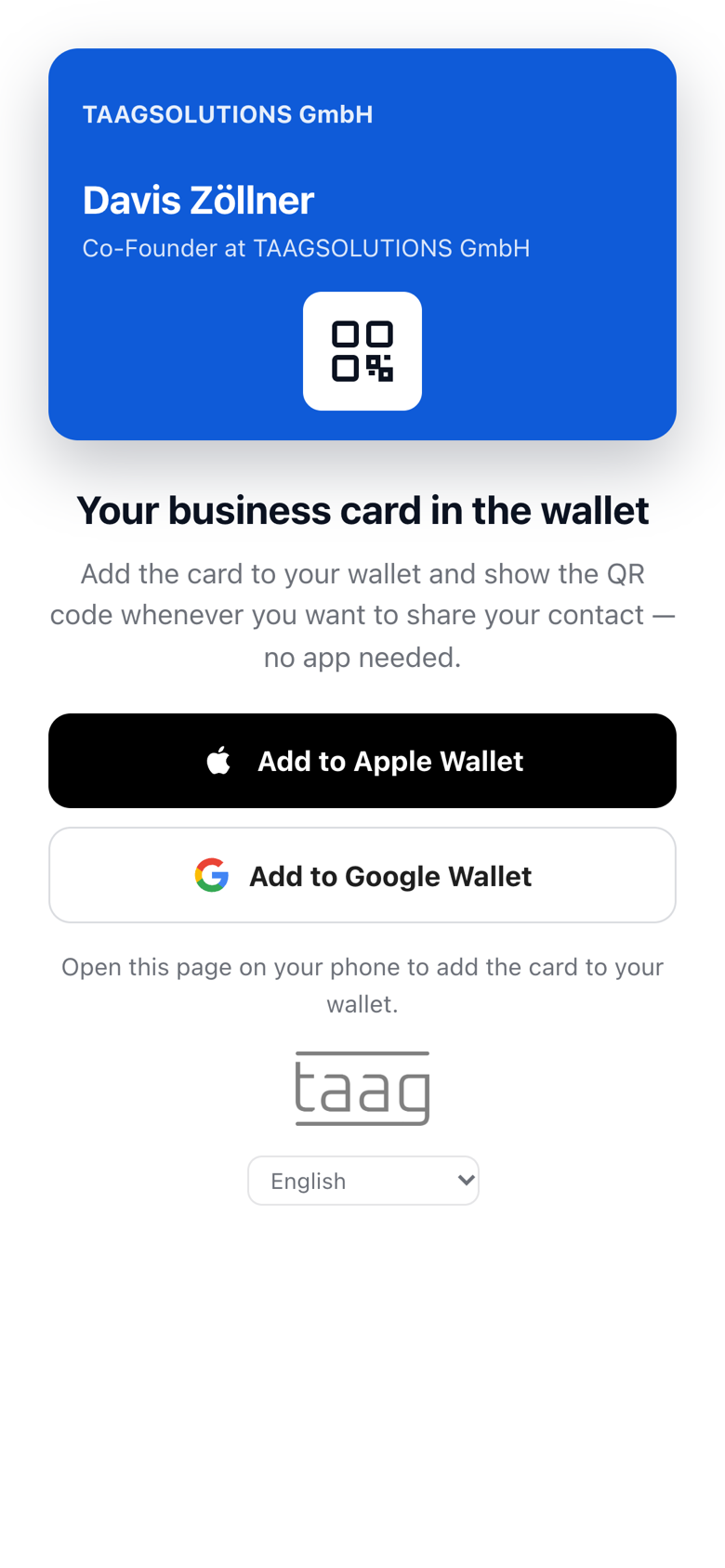
Share
Share your business card in one tap
The share button sits right in the middle of the app. Use it to show your QR code, copy your link, send it by message or email, or send your vCard. No signal? The app shows an offline QR code that contains your contact details directly.
- Apple and Google WalletAdd your card as a Wallet pass – then your QR code is a double-click away, even without the app.
- NFC cardsSee which NFC and Wallet cards are linked to which business card and change the target right in the app.
Scan
Scan paper business cards
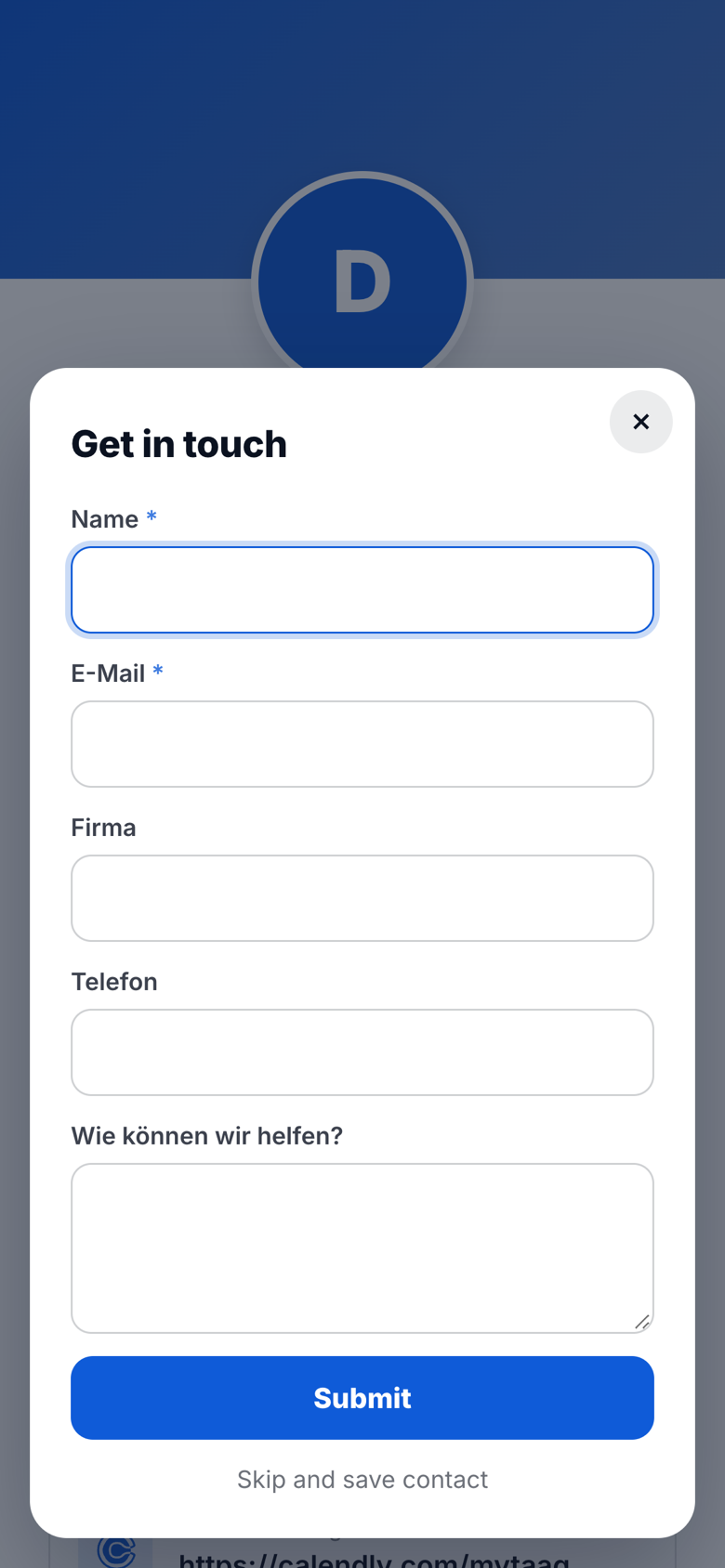
When someone hands you a classic business card, take a photo of it in the app – with a frame, flash or from your photo library. Text recognition fills in name, company, job title, email, phone, website and address; you check the fields and save the contact as a lead.
- Straight into the CRMScanned cards land in the same place as the leads from your form.
- With contextAdd a note, group and labels right away – so you still remember what you talked about.
Follow up
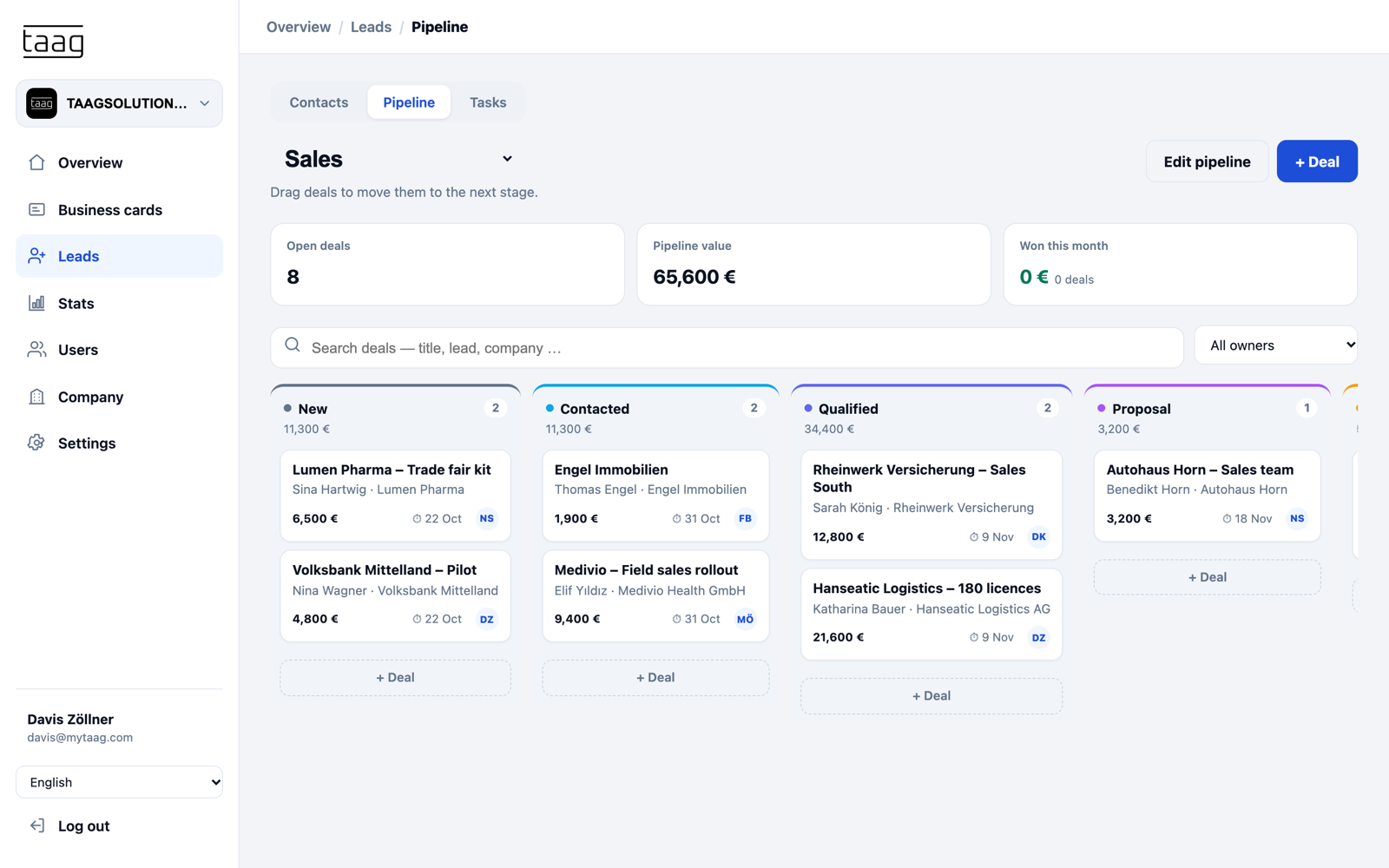
Leads, pipeline and tasks on the go
New contacts from your form, website widget or scanner show up in the app immediately. Move deals through the pipeline, create tasks with due dates and log calls and meetings – right after the conversation, still in the car park.
- Push notificationsFor new leads, bookings, due tasks and new team members – each one can be switched on or off.
- Import and exportImport and export leads as CSV or Excel, even from your phone.
For teams and admins, too
Whoever manages MyTaag in your company can handle the essentials on the go – depending on their permissions.
Manage business cards
Create and edit cards, import them from CSV or Excel, manage groups and invite team members.
Learn more – Manage business cardsAnalytics
Views, popular links and campaigns by period and business card – with the same filters as on the web.
Meeting booking
Connect your Google or Outlook calendar so contacts can book a meeting right from your business card.
Marketing links and QR codes
Create and pause tracking links and share QR codes – designing them happens on the web.
Secure sign-in
Two-factor sign-in, permissions by area and servers in Germany – just like the web app.
Learn more – Secure sign-inAlways in sync
The app and web app use the same data. What you change on your phone, your team sees instantly.
Ready in three steps
- Download the app: Search for “MyTaag” in the App Store or on Google Play – the app is free.
- Sign in or create an account: With your existing MyTaag login or a new one. A digital business card is free.
- Share: Tap the share button and show your QR code – or add your card to your Wallet right away.
Frequently asked questions
Is there an app for digital business cards?
Yes. The MyTaag app is free for iPhone on the App Store and for Android on Google Play. Use it to share your card, scan paper business cards and work on leads in the CRM.
Does the other person need the app too?
No. Your digital business card opens in the browser as soon as someone scans your QR code or taps your NFC card. “Save contact” adds you to their address book as a standard vCard – on iPhone and Android.
Do I need the app to use MyTaag?
No. Everything also works in the web app at app.mytaag.com. The app is handy on the go – for sharing, the business card scanner and push notifications for new leads.
Does the app work offline?
For sharing, yes: the app can show an offline QR code that contains your contact details directly, and a Wallet pass opens offline too. Leads, CRM and the scanner need a connection.
How much does the MyTaag app cost?
The app is free. You get one digital business card on the free plan; team features such as central management, analytics and leads are part of MyTaag Teams.